Setu Stock Register vs Zoho Inventory: Which Fits a Small Shop in 2026?
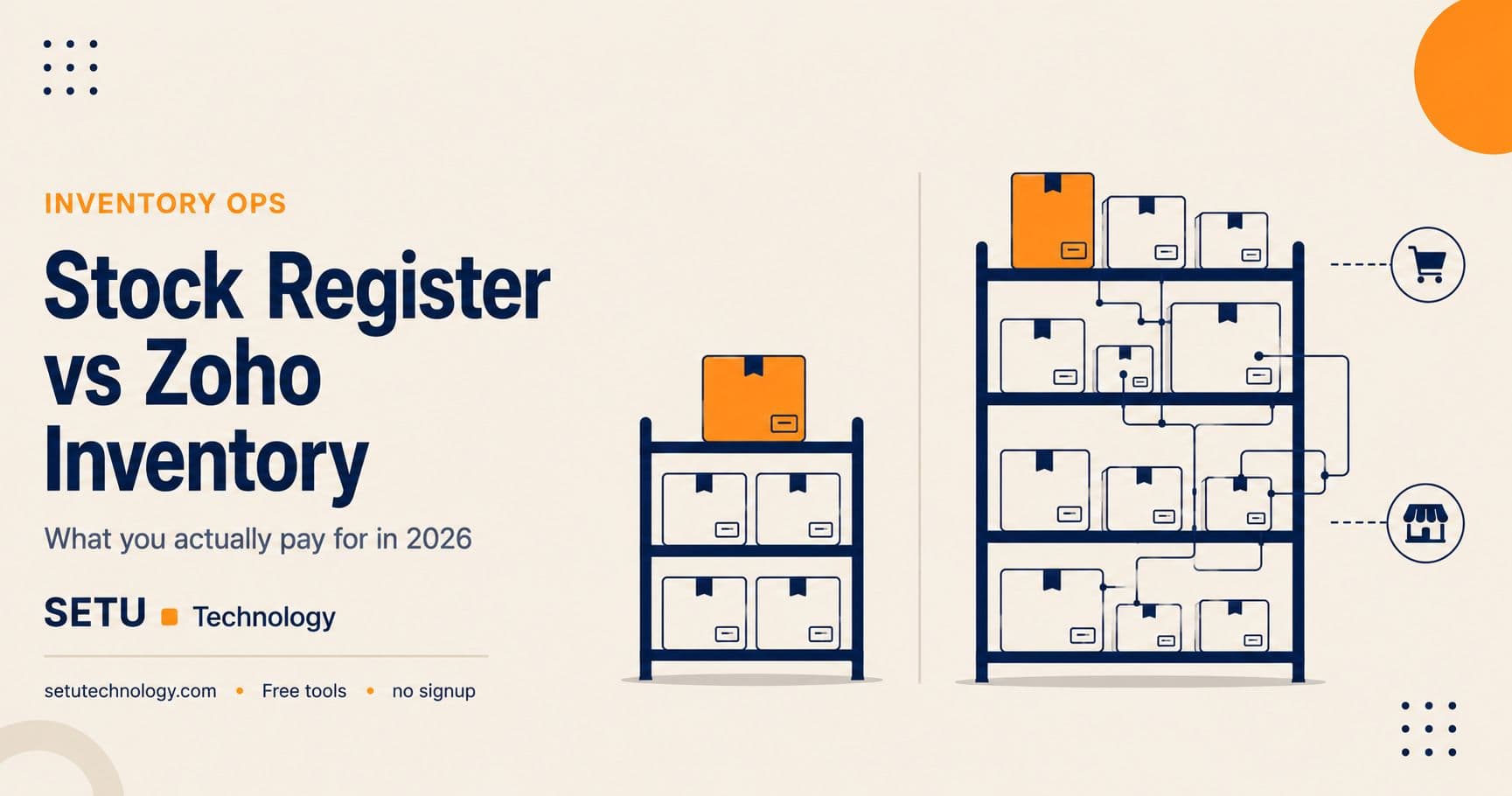
Ask a shopkeeper how they track stock and the answers still split three ways: a physical register, a spreadsheet, or an app they downloaded once and half-use. When they do reach for software, Zoho Inventory is one of the names that comes up — and for good reason. It is a genuine order-and-inventory platform with a free tier, and it scales a long way past what most small shops need.
Setu's Stock Register answers a smaller, sharper question: what do I have, what did it cost, and what do I need to reorder? It is a free browser tool with no signup and no order cap. This post is about which of those two trades fits your shop in 2026.
What Zoho Inventory is built to do
Zoho Inventory is an order-management system with inventory underneath it. You create an account, set up your items, and from then on it holds item records, stock levels across warehouses, purchase and sales orders, and — on the paid tiers — integrations with marketplaces and shipping carriers. For a business fulfilling orders across Amazon, Flipkart, Shopify and its own storefront, that consolidation is the whole point.
The pricing model is the thing to understand before you commit. As publicly described in August 2026, Zoho Inventory offers a free plan with a low monthly order allowance and a single warehouse, then paid tiers that scale mainly by orders per month, users and warehouses — not by how many items you hold. Check zoho.com/in/inventory/pricing for the current India figures before you plan a budget, because the plan names and order allowances change and third-party pages often quote stale numbers.
The practical read: Zoho's free tier is real and useful for a shop doing a handful of orders a month, but the moment your order throughput climbs, you move up the ladder. You are paying for orders processed, which is a fair model for a fulfilment business and an expensive one for a shop that just wants to know its stock is right.
What Setu's Stock Register does instead
Setu's Stock Register is deliberately narrower. You open the page and start recording: items, quantities, purchase rates, and the movements in and out. It pairs with the Purchase Register for what you bought and the Supplier Book for who you bought it from, so purchasing, stock and supplier history sit together without a subscription joining them.
What it gives you:
- An item-level register with quantity on hand and the rate you paid
- Reorder-level flags so a low item is visible before it becomes a stockout
- A running view you can reconcile against a physical count at close
- CSV or Excel export whenever you want the data elsewhere
- No signup, no order cap, and data that stays in your browser
What it deliberately does not do: sync marketplace orders, split stock across many warehouses with transfers, or track batch and serial numbers through a fulfilment pipeline. If those are daily needs, a browser register is the wrong tool and will feel like one by week two.
Setu Stock Register vs Zoho Inventory, feature by feature
| Setu Stock Register | Zoho Inventory | |
|---|---|---|
| Cost | Free, no plan to upgrade to | Free tier, then paid by orders per month |
| Signup | None | Zoho account required |
| Item / stock tracking | Yes | Yes |
| Reorder-level flags | Yes | Yes |
| Order-count limit | None — it does not process orders | Capped per plan tier |
| Multiple warehouses & transfers | No | Yes, on paid tiers |
| Batch, serial & expiry tracking | No | Yes, on paid tiers |
| Marketplace & channel sync | No | Yes (Amazon, Flipkart, Shopify) |
| Purchasing & supplier records | Via Purchase Register & Supplier Book | Built in |
| Where data lives | Your browser only | Zoho's cloud, synced across devices |
| Multi-user access | Not applicable | Yes, users capped per plan |
| Export | CSV / Excel anytime | Export supported |
Where Zoho Inventory genuinely wins
Be honest about this before switching anything.
You fulfil orders across channels. If you sell on marketplaces and your own site, having every order and its stock impact in one place is not a luxury, it is the job. A browser register cannot do it and should not pretend to.
You run more than one location. Stock in two or three warehouses, with transfers between them and a single view over all of it, is a database problem. Zoho handles it; a local register does not.
You need batch, serial or expiry control. Pharma, cosmetics, packaged food — anything where a batch number or an expiry date is a compliance fact, not a nicety — needs the structured tracking a platform gives you.
You have staff who all need the same live view. Multi-user, role-controlled access to one synced dataset is a paid-platform feature, and Zoho does it well.
Where the free browser tool wins
You count and reorder your own stock. A kirana shop, a hardware store, a boutique, a cafe storeroom — one location, one person mostly responsible, stock that needs counting and reordering rather than syncing. The register does exactly that and stops there.
Your order volume is low or irregular. Paying by orders per month is a bad trade when your orders per month are unpredictable or seasonal. A tool with no order meter running does not punish a quiet month.
You want to start today, on any device. No account, no trial countdown, works on a phone or a shared machine. You can have a real register going in the time it takes to make chai.
Your data policy is "stays with me". For a lot of small firms, stock and supplier rates never leaving the laptop is a feature, not a limitation.
What a month of actual use looks like
Picture a single-location stationery and gifts shop in Indore. Around 900 items, a weekly purchase run from three suppliers, and the owner doing a physical count every Sunday. With Setu, the month is: log purchases in the Purchase Register as bills come in, let the Stock Register flag anything under its reorder level, count on Sunday and reconcile the two, and check inventory turnover once a month to spot what is sitting too long. Total software spend: zero. No order allowance to watch.
Now picture a homeware brand in Jaipur selling on its own site, Amazon and Flipkart, shipping 400–600 orders a month from two small warehouses. Trying to run that on a browser register would mean reconciling three channels by hand and guessing at stock across two locations — exactly the manual work software is supposed to remove. That business should be on Zoho Inventory, or a comparable platform, and the subscription will pay for itself in errors avoided.
Same category, completely different answer. The deciding question is not "which is better software" but "am I tracking stock, or am I fulfilling orders?"
The honest bottom line
Zoho Inventory is not overpriced for what it is — a multi-channel fulfilment platform. The mistake is paying for order-processing infrastructure when what you needed was an accurate count and a reorder flag. Use the throughput test: if you are processing your own counts and purchase runs at a single location, the free Stock Register is enough and you should stop shopping. The day channel sync, multiple warehouses or batch tracking become daily needs, move to a platform and don't look back.
A quick way to decide this week
If you want to settle it in one sitting, answer three questions honestly. Do I fulfil orders across more than one sales channel? Do I hold stock in more than one location? Do batch, serial or expiry dates carry a compliance obligation for me? A yes to any of the three points at a platform like Zoho Inventory. A no to all three means the free Stock Register almost certainly covers you, and paying an order-based subscription would be buying capacity you will not use.
And there is no wrong first move. Because the register needs no signup and no commitment, you can start counting today, learn what your real workflow demands over a month, and graduate to a platform only when a specific need — a second warehouse, a marketplace integration — actually appears. Starting free and migrating on evidence beats paying up front for a workflow you are only guessing at.
Either way, ask the same question of both before you commit: can I export everything, in a format another system can read, on the day I decide to leave? Zoho can, Setu can, and that is the only lock-in question that matters. If you have outgrown a register but not yet a full platform, the browser-based POS and Setu Retail sit in between — billing and stock together, without an order meter.
Frequently asked questions
Yes. There is no account, no plan and no cap on how many items or entries you keep. It stays free because the data lives in your browser rather than on a server Setu has to pay for.
More from Inventory Ops
Catching Supplier Price Creep: A Purchase Variance Walkthrough
Nobody announces a price rise. One line moves a few rupees, the total still looks right, and six months later your margin is two points thinner. A worked eight-line variance example, the three ways it misleads you, and what to do with the answer.
Read more →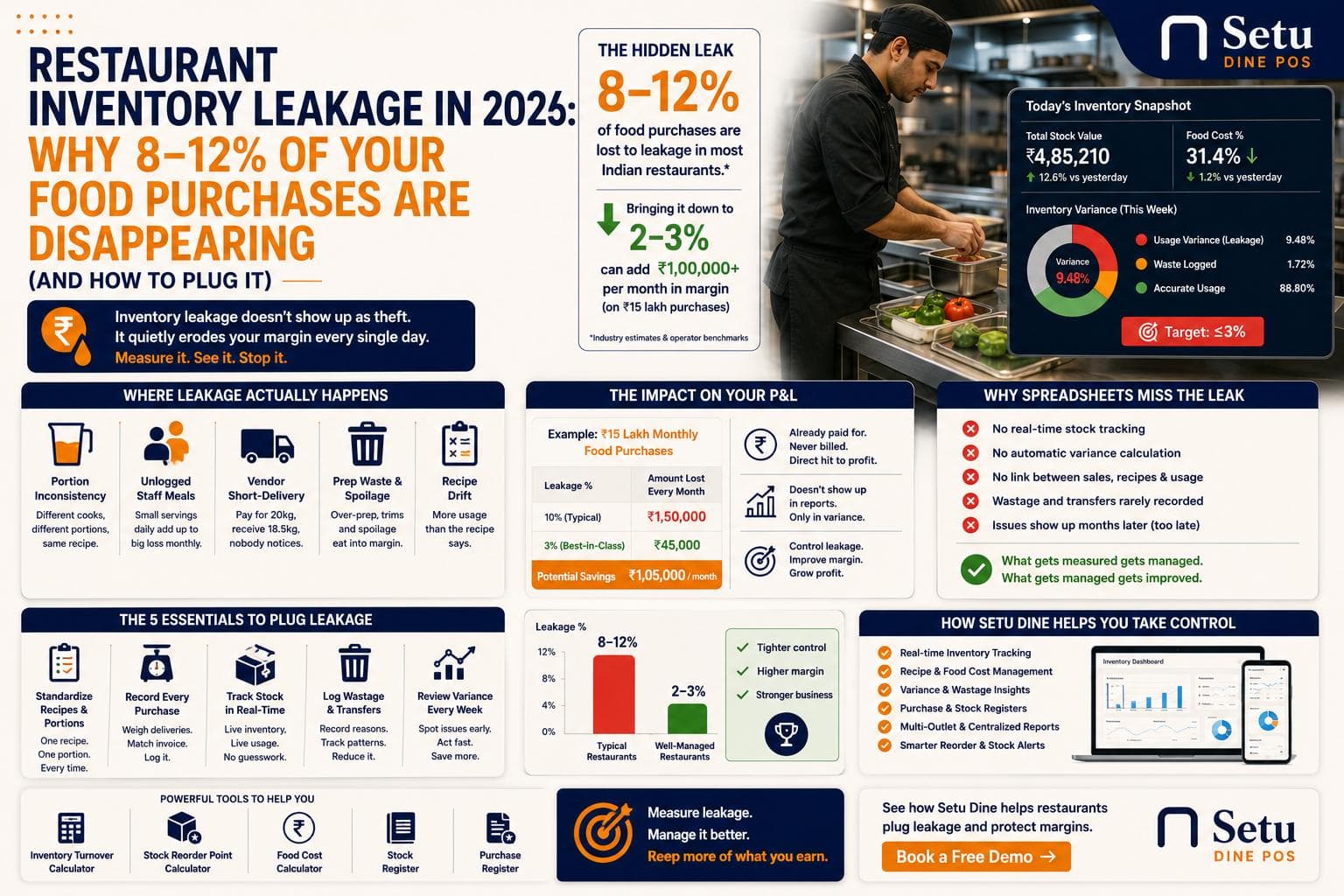
Restaurant Inventory Leakage in 2026: Why 8–12% of Your Food Purchases Are Disappearing (And How to Plug It)
Most restaurant owners can quote their food cost percentage from memory. Almost none can tell you how much of it disappears before it ever reaches a bill. Here's where that gap hides, and how to close it.
Read more →