How to Use a GST Calculator in 2026: Inclusive, Exclusive and the New Slabs
GST arithmetic looks trivial until it costs you. Quote a client a price you thought included tax when it did not, and you hand back 18% of your own margin. Add tax to a retail price that already had it baked in, and your bill is wrong in a way a sharp customer will notice. The maths is simple; the mistakes are about which calculation you are doing.
Setu's GST Calculator is a free browser tool that handles both directions and the state split. This tutorial walks through it end to end, with worked examples, and then shows where three related calculators pick up. No signup, nothing to install.
First, the 2026 slabs — because the rate is half the answer
Since the GST 2.0 reform effective 22 September 2025, India runs a simpler rate structure. The main slabs are 5%, 18% and 40%, with 0% on a wide list of essentials and a handful of special rates for specific categories. The earlier 12% and 28% slabs were largely absorbed into this set. Before you calculate anything, get your item's rate right — the tool will happily compute a confident, wrong answer on the wrong slab. When you are unsure, check the current notification or your HSN/SAC classification rather than guessing, and remember that rates get reclassified.
Rates and classifications change. Treat the slabs above as the position at the time of writing and confirm your specific item before you bill on it.
Step 1: Decide whether your price is exclusive or inclusive
This single choice is where most GST errors start. The GST Calculator asks for an amount and a rate, and lets you treat that amount two ways:
- GST-exclusive — the amount is the base price, and GST is added on top. This is how most B2B quotes and tax invoices work: "₹1,000 plus GST".
- GST-inclusive — the amount already contains the tax, and you are working backwards to find how much of it is GST. This is how retail and MRP-style pricing works: the shelf says ₹1,180 and the tax is already inside it.
Pick wrong and every downstream number is wrong. So the first question is never "what is 18% of this" — it is "is tax already in this number or not?"
Step 2: Exclusive mode — adding GST on top
You are quoting a business customer ₹1,000 for a service taxed at 18%.
Enter 1000, choose 18%, and select exclusive:
| Line | Amount |
|---|---|
| Base price | ₹1,000.00 |
| GST at 18% | ₹180.00 |
| Invoice total | ₹1,180.00 |
The base is your revenue; the ₹180 is tax you collect and remit, not income. The most common mistake here is treating the ₹1,180 as turnover — it is not, and your books should never record it as such.
Step 3: Inclusive mode — pulling GST out of a price
Now the reverse. A retail item sells for ₹1,180 all-in, taxed at 18%, and you need to know the tax portion for your records.
Enter 1180, choose 18%, and select inclusive:
| Line | Amount |
|---|---|
| Inclusive price | ₹1,180.00 |
| Base value (₹1,180 ÷ 1.18) | ₹1,000.00 |
| GST portion | ₹180.00 |
The arithmetic is inclusive ÷ (1 + rate) for the base, and the remainder is the tax. Knowing that formula matters even with a calculator to hand, because it lets you sanity-check the tool and catch the moment you have the mode set wrong.
Step 4: Read the CGST / SGST / IGST split correctly
The total tax is the same wherever the sale goes; only the split changes with the place of supply.
- Same state (intra-state): the ₹180 splits into CGST ₹90 + SGST ₹90.
- Different state (inter-state): the same ₹180 is charged as a single IGST ₹180.
This is not an optional formatting choice. A same-state invoice showing IGST, or a cross-state invoice split into CGST and SGST, is a defective invoice, and it can hold up your buyer's input tax credit. Get the split right and the reporting follows.
A note on rounding, because it is where pennies leak
GST rules round the tax on an invoice to the nearest rupee, and on a single line that is trivial. Across a busy day of bills it is not. If your billing rounds each line and then sums, you get a slightly different total than if you sum and then round once — and if your figure disagrees with your buyer's by a rupee, someone has to explain why before the credit clears. The fix is to be consistent: pick one rounding convention and apply it everywhere, so your numbers reconcile against a customer computing the same tax from the same base. The calculator rounds predictably, which is part of why typing the figure beats doing it in your head at the counter.
This is also the quiet argument for using a tool at all. GST maths is not hard; it is repetitive, and repetitive arithmetic done under pressure is where the slips happen — a transposed rate, an inclusive price treated as exclusive, a same-state bill split as IGST. Each is a small error that a calculator simply does not make, and each is the kind of error that surfaces weeks later as a buyer's query or a mismatch in a return.
Step 5: When you are pricing, not just billing
Calculating GST on a finished price is one job. Deciding the price in the first place is another, and it is where the related calculators come in.
Setting a margin, then adding GST. If you buy at a cost and want a target margin, work the selling price out first with the Markup Calculator, then run that figure through the GST Calculator to get the final bill. Doing it the other way around — adding GST and then a margin on the tax-inclusive number — quietly inflates your price and confuses your books.
Selling to overseas or VAT customers. If you invoice clients in a VAT country, the mechanics rhyme with GST but the rules differ; the VAT Calculator handles inclusive and exclusive the same way for those bills.
A generic tax on a value. For a straightforward percentage tax that is not GST — a local levy, a flat sales tax on a quote — the Sales Tax Calculator is the simpler tool.
Three mistakes this tutorial prevents
Confusing inclusive and exclusive. The same ₹1,180 means different things depending on the mode. Always answer "is tax already in this number?" before you compute anything.
Splitting the tax wrong. CGST+SGST for same-state, IGST for cross-state. The total is identical, but the wrong split is a defective invoice that can cost your buyer their credit.
Calculating on the wrong slab. A confident number on the wrong rate is still wrong. Confirm the slab before you trust the total, especially after the 2025 reclassifications.
Putting it together: one quote, start to finish
Say you supply a service to a business in another state. You buy in an input at a cost, you want a set margin, and the service is taxed at 18%. The sequence is: work the pre-tax selling price from your cost and target margin in the Markup Calculator; take that figure into the GST Calculator in exclusive mode to add 18% on top; and because the buyer is in another state, read the tax as a single IGST line rather than a CGST/SGST split. Three steps, three answers, none of them guessed — and a quote you can defend if the buyer's accounts team queries it. Do the same sequence for a same-state sale and only the last step changes: the identical tax total simply prints as CGST plus SGST.
Once the pattern is muscle memory it takes under a minute, and it removes the single most common cause of a bounced invoice: a total nobody can reproduce.
If GST maths is a daily part of raising bills, the Invoice Generator does this split automatically on a formatted tax invoice, and the companion read on getting GST right on a restaurant bill is the GST billing checklist for restaurants. And if the filing behind these numbers — GSTR-1, GSTR-3B, the reconciliation — is the part you would rather not do, that is what our accounting and bookkeeping service is for. The calculators stay free either way.
Frequently asked questions
Under the GST 2.0 structure effective 22 September 2025, the main slabs are 5%, 18% and 40%, with 0% on many essentials and a few special rates for specific categories. The older 12% and 28% slabs were largely folded into this simpler set. Always confirm your item's rate against the current notification, because reclassifications happen.
More from Compliance

India's New Wage Code Just Rewired Your Payroll Math: What Every SME Needs to Fix in 2026
India's four labour codes came into force on 21 November 2025 and Central Rules followed on 8 May 2026. The new rule that basic pay can't be less than 50% of CTC quietly changes PF, gratuity and overtime math for every SME. Here's what to check before your next payroll run.
Read more →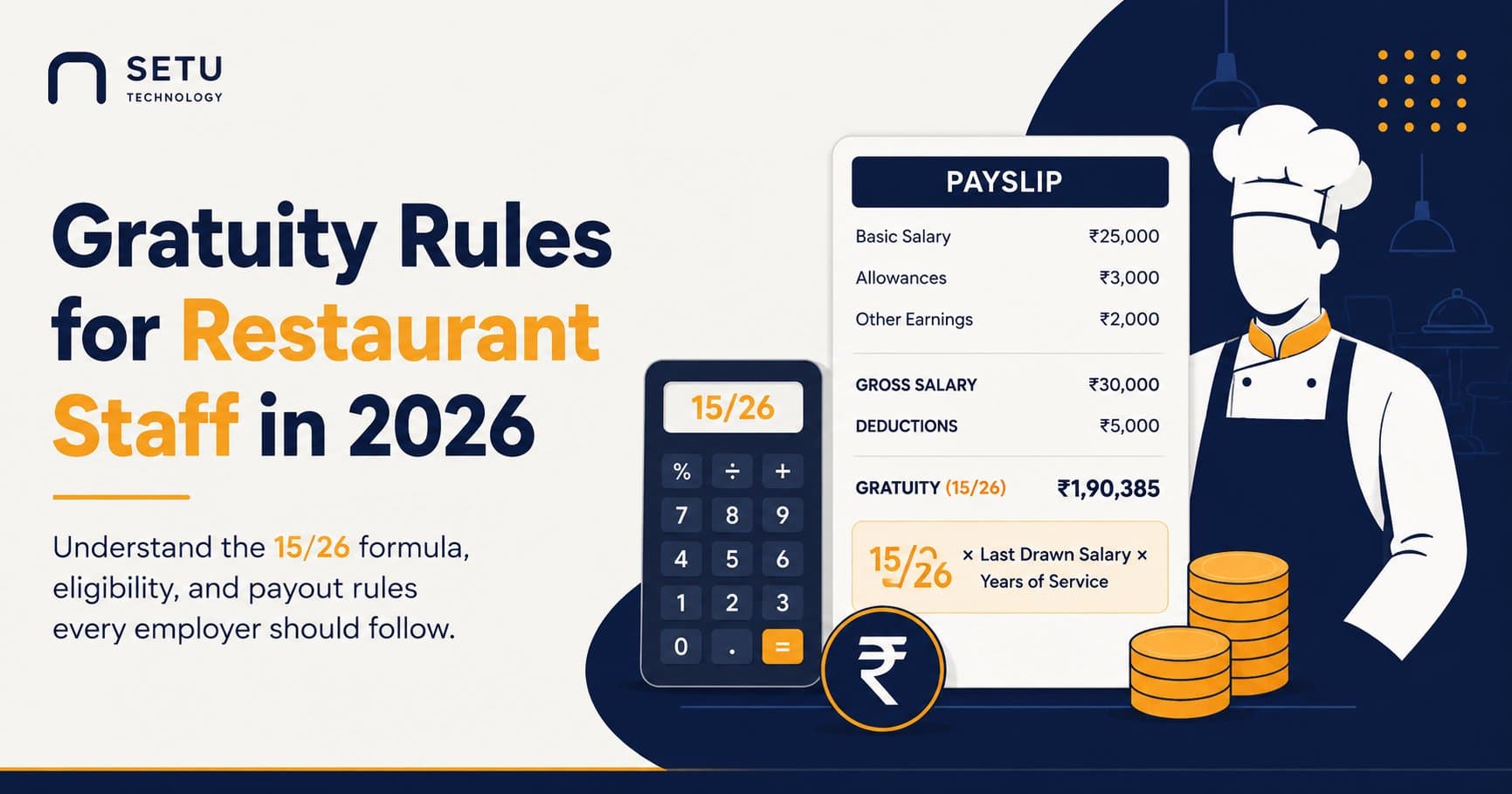
Gratuity Rules for Restaurant Staff in 2026: What Every Owner Must Pay (And How the 15/26 Formula Actually Works)
Restaurants churn staff faster than almost any industry — which is exactly why gratuity math trips owners up. Here's the real formula, the new fixed-term rule, and what a missed payment actually costs.
Read more →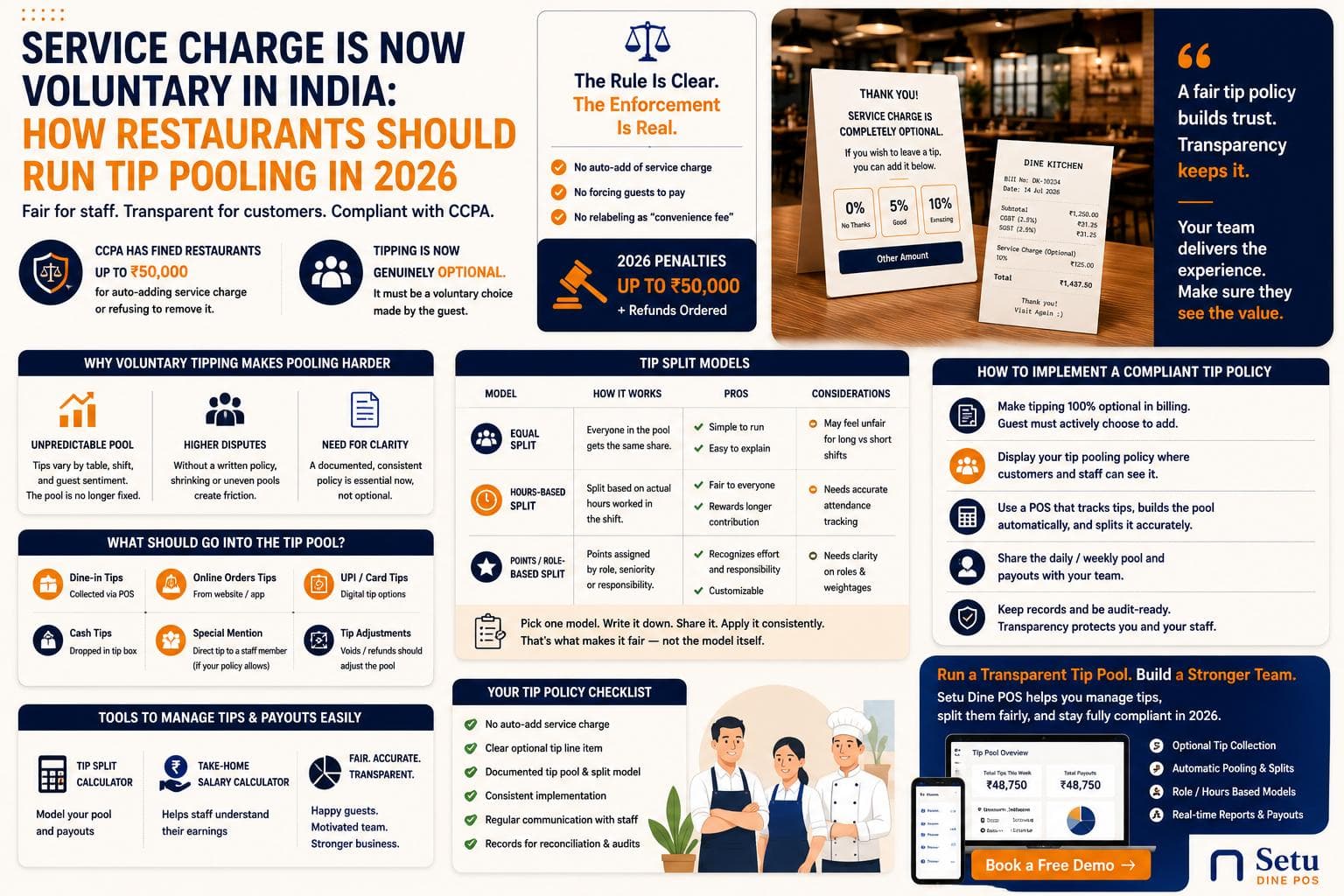
Service Charge Is Now Voluntary in India: How Restaurants Should Run Tip Pooling in 2026
Restaurants can no longer quietly add a 10% service charge and split it however they like. Here's how CCPA's 2026 crackdown changes tip pooling, and how to split a shrinking, unpredictable tip pool fairly across staff.
Read more →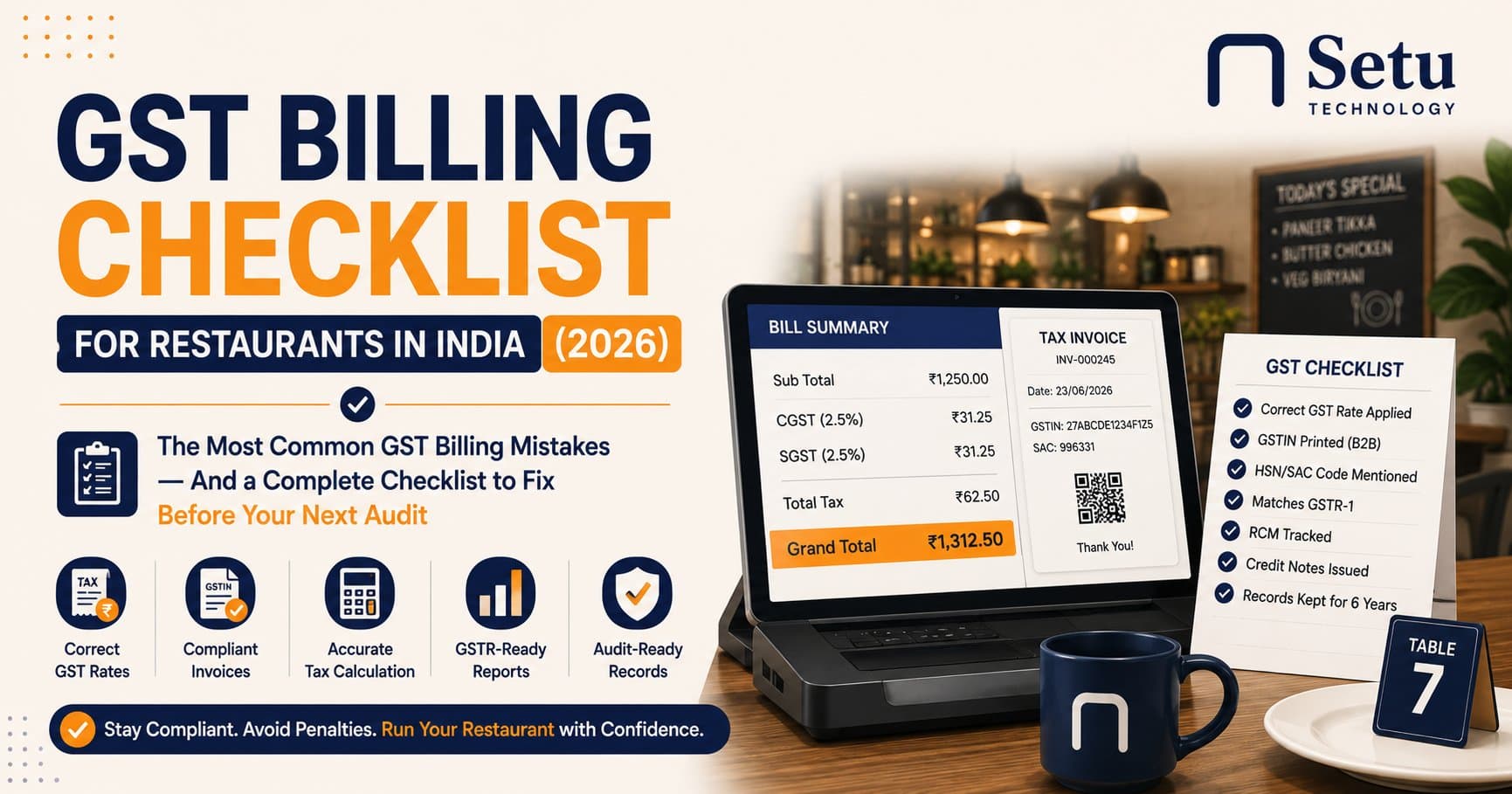
GST Billing Checklist for Restaurants in India (2026)
The most common GST billing mistakes restaurants make, and a complete checklist to fix them before your next audit.
Read more →